
Set up your company and default yard
Published 2026-07-11 · Updated 2026-09-30
Save company contact details, the operating timezone, and the yard used as the default location.
Before you start.
- Sign in as Owner for company settings. Owner or Dispatcher can manage locations.
- Have the customer-facing contact details and complete yard address.
Steps.
Review company identity and time
Take me there →Open Company settings. Check the operating name, contact details, and operating timezone. Save and reopen to confirm them. Business dates and entered rental times use the company timezone.
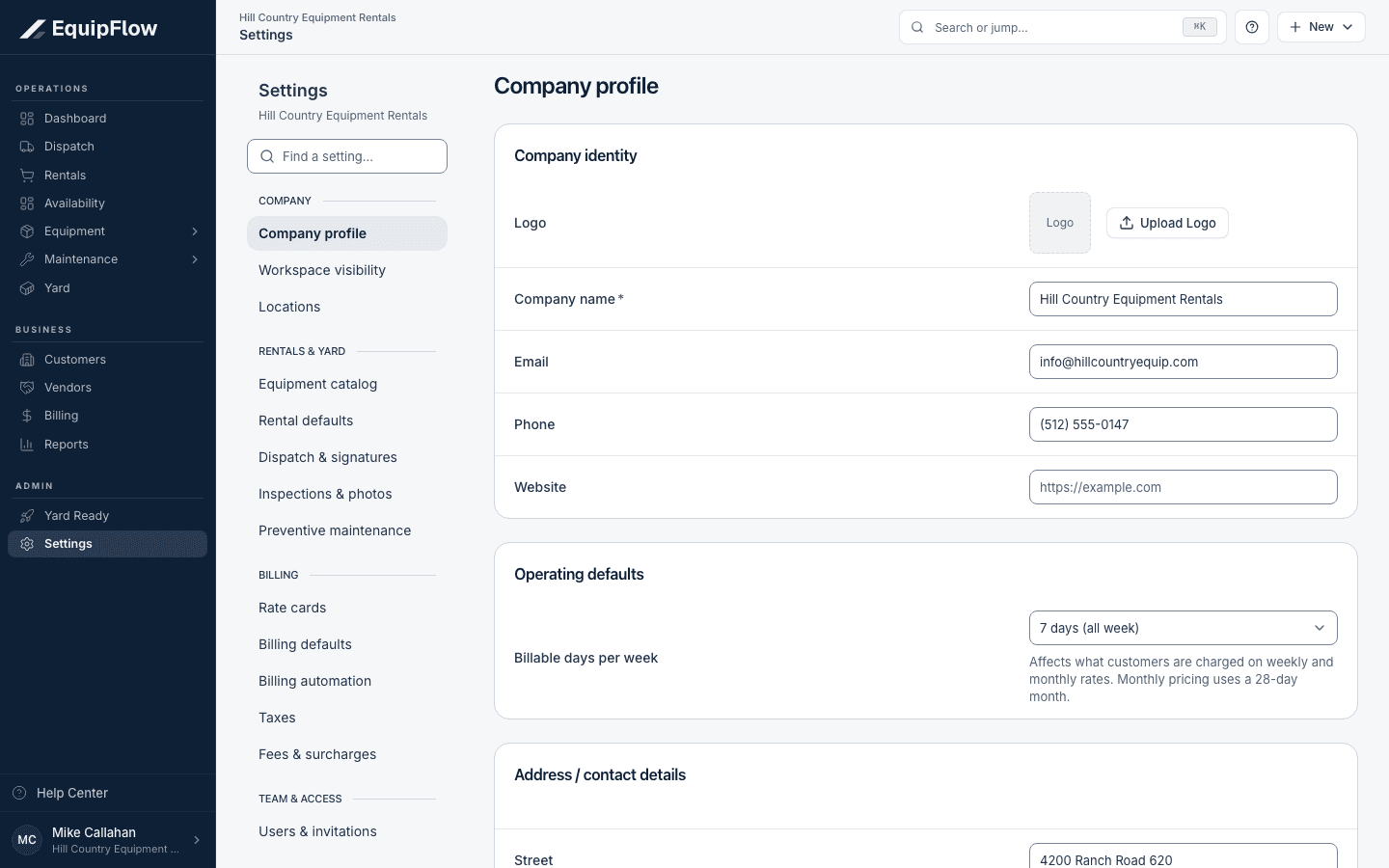
Company profile owns company identity and operating defaults. Synthetic local example.
Open full-size screenshot (new tab)Set the default yard
Take me there →Open Locations, add or edit the yard address, and select Default location for the intended home yard. A yard is an operational location; a customer site is a separate record.
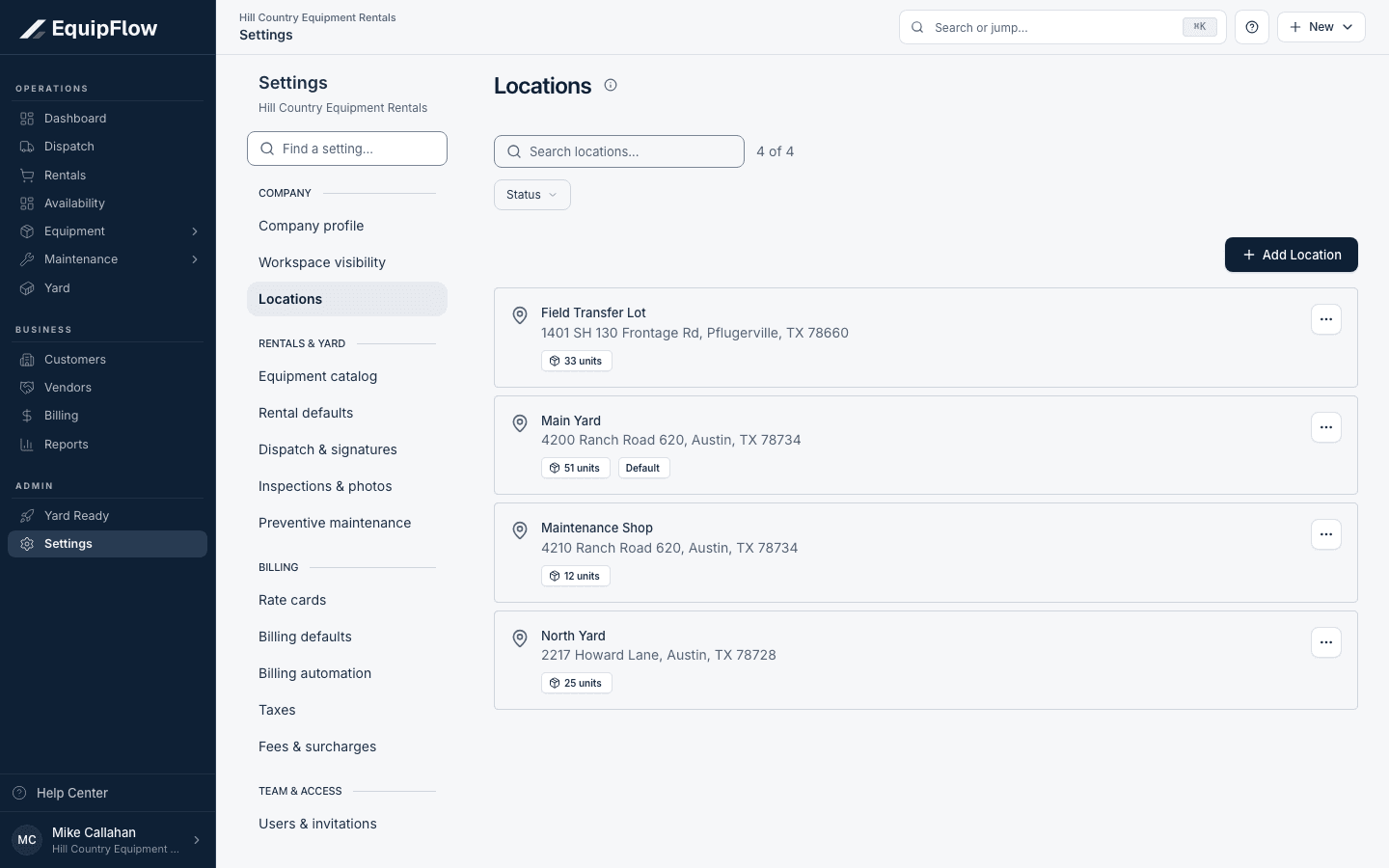
Locations identifies the default yard separately from other locations. Synthetic local example.
Open full-size screenshot (new tab)Check the next customer document
Return to Yard Ready and review a newly prepared customer document. Company default changes apply going forward; issued documents keep their saved information.
Common problems and recovery.
A rental time looks different on another computer.
Compare the company timezone shown beside the input. Record the intended local time in that timezone.
Equipment is shown at another location.
Review the unit’s actual location and recorded movements. Changing the default yard does not move a machine.
Continue in EquipFlow.
Open the product to do the work, or contact support if the saved information does not match what this article describes.
Last reviewed 2026-09-30 against EquipFlow product commit c0ec0c7b7.