
Create your equipment catalog and first units
Published 2026-07-11 · Updated 2026-09-30
Add categories and classes with rate defaults, then add serialized units or configure pooled quantity.
Before you start.
- Use Owner, Dispatcher, or Yard Manager access for catalog setup.
- Know the class rates, stock type, unit numbers, and home yard.
Steps.
Add the category
Take me there →Open Equipment catalog in Settings and choose Add Category. Use a broad grouping such as Excavators.
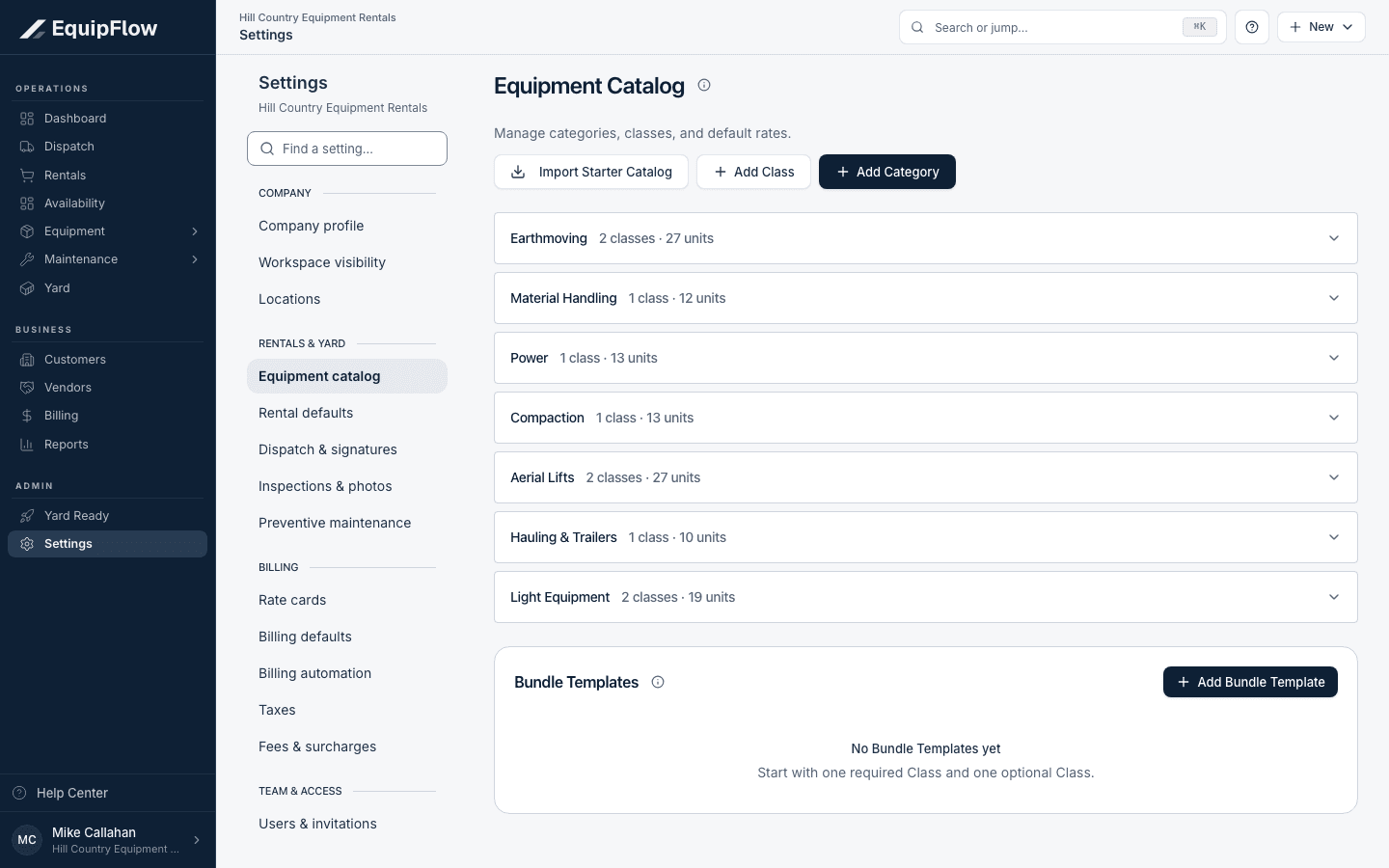
Equipment Catalog separates categories, classes, and bundle templates. Synthetic local example.
Open full-size screenshot (new tab)Add the rentable class
Choose Add Class under the correct category. A class holds shared rates and rental defaults; choose the inventory type that matches individually tracked machines or pooled stock. Review rates and included usage before saving.
Add physical units
Take me there →For serialized stock, open Equipment and choose Add unit. Save the Unit number, class, serial number, and home yard. Open the unit detail and check location, readiness, and availability.
warning
A class is the priced item; a unit is a particular machine. Pooled quantity is counted stock and should not be given invented serial identities.
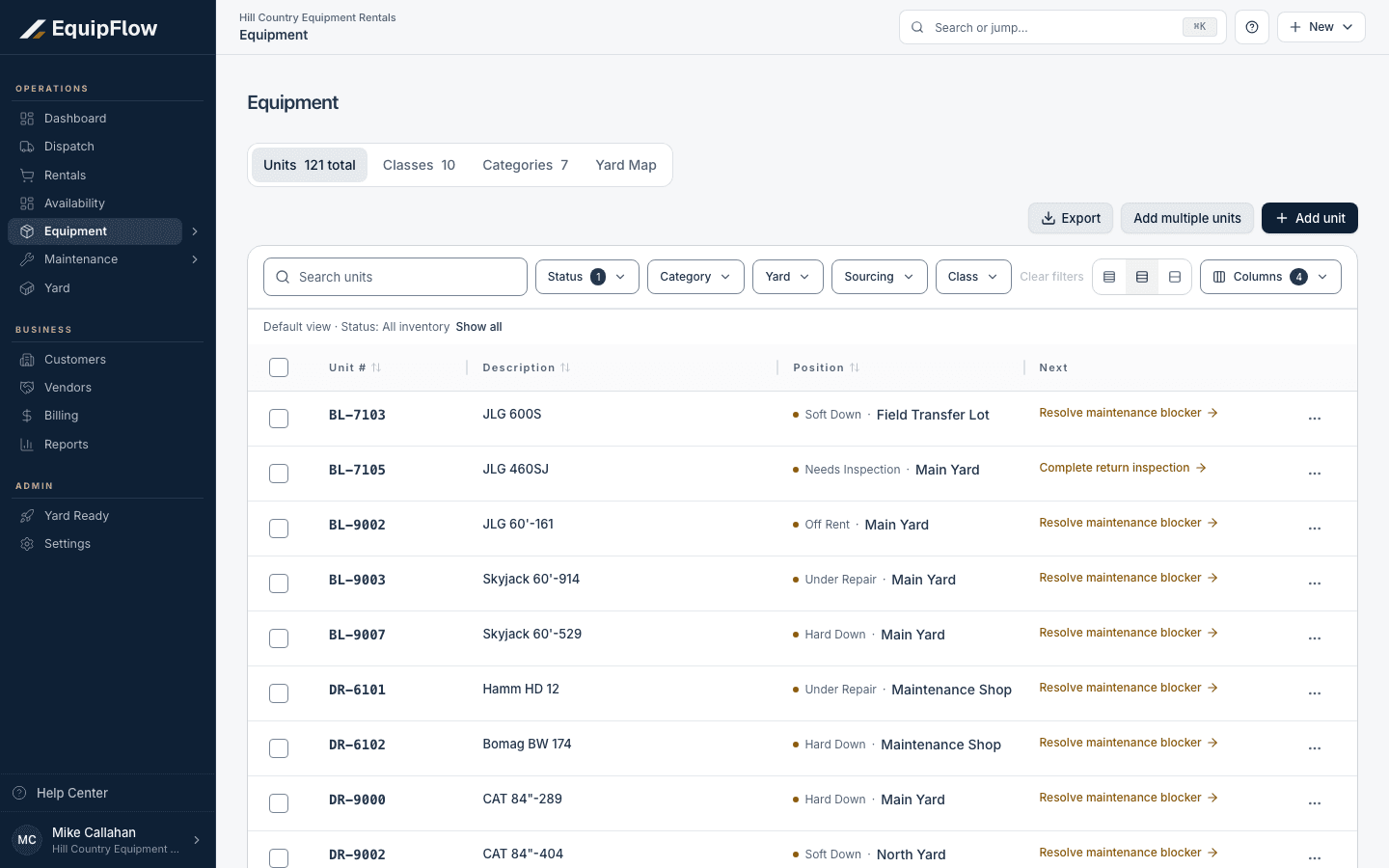
Equipment lists physical units and the work needed before they are ready. Synthetic local example.
Open full-size screenshot (new tab)
Common problems and recovery.
The Unit number is already in use.
Search active and inactive units before creating a different identity.
The class is missing from a rental picker.
Check that the class is active and has the right category and rate defaults.
Continue in EquipFlow.
Open the product to do the work, or contact support if the saved information does not match what this article describes.
Last reviewed 2026-09-30 against EquipFlow product commit c0ec0c7b7.