
Choose and change rental billing terms
Published 2026-09-30 · Updated 2026-09-30
Set day counting, daily/weekly/monthly rates, 28-day or calendar-month invoice periods, and payment due terms without rewriting finalized invoices.
Before you start.
- Open the rental and know the agreed rate ladder and invoice schedule.
Steps.
Read the saved billing terms
Take me there →Open the rental’s Billing terms. Check Count rental days by and Return grace (hours). Elapsed 24-hour billing uses the start and cutoff instants; calendar-day billing counts covered company dates. Check daily, weekly, and monthly prices separately from invoice frequency.
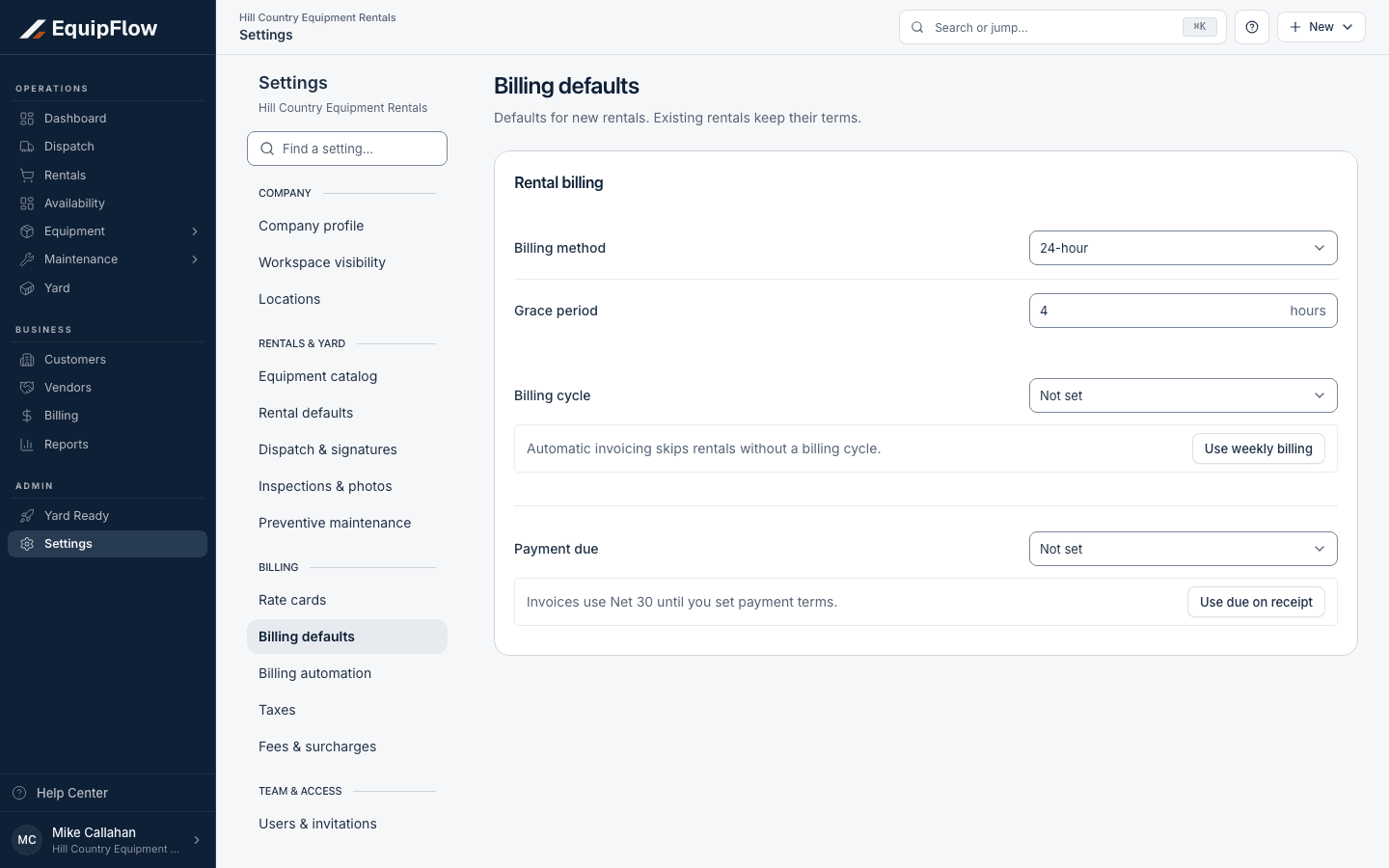
Company billing defaults apply to new rentals; existing rentals keep their saved terms. Synthetic local example.
Open full-size screenshot (new tab)Choose the invoice schedule
Review Invoice every and Invoice period. Four weeks is every 28 days, thirteen cycles per year. A calendar-month cycle follows month boundaries, twelve per year, and can show a prorated first period. Read the proposed dates and amounts before saving.
Set the due terms and save
Check Payment due after and Payment period, the rate coverage days, and Create drafts automatically. Choose Save billing terms. Read any active-rental change plan and review existing working drafts against the new terms.
Keep dates and corrections distinct
Scheduled dates plan work; actual handover records possession; accepted off-rent stops accrual; receipt records where equipment came back. Rate corrections and billing pauses have their own controls. Check billing reconciliation after a change.
warning
An invoice boundary or like-for-like swap does not restart cumulative rental duration. Saving terms or a rate correction preserves finalized invoices and never automatically sends, voids, or credits them.
Common problems and recovery.
Monthly pricing differs from what you expected.
Check whether the invoice rail is 28-day or calendar-month, the saved rate coverage days, first-period proration, and existing finalized billing.
A draft still uses the old rates or cycle.
Review the warning and use eligible recalculation or draft cleanup. Check previous coverage before preparing a replacement.
The customer stopped using equipment but still has it.
Use an accepted Stop rental charges cutoff. Do not change receipt or possession evidence to imitate off-rent.
Continue in EquipFlow.
Open the product to do the work, or contact support if the saved information does not match what this article describes.
Last reviewed 2026-09-30 against EquipFlow product commit c0ec0c7b7.